

Check and confirm the details of your contract
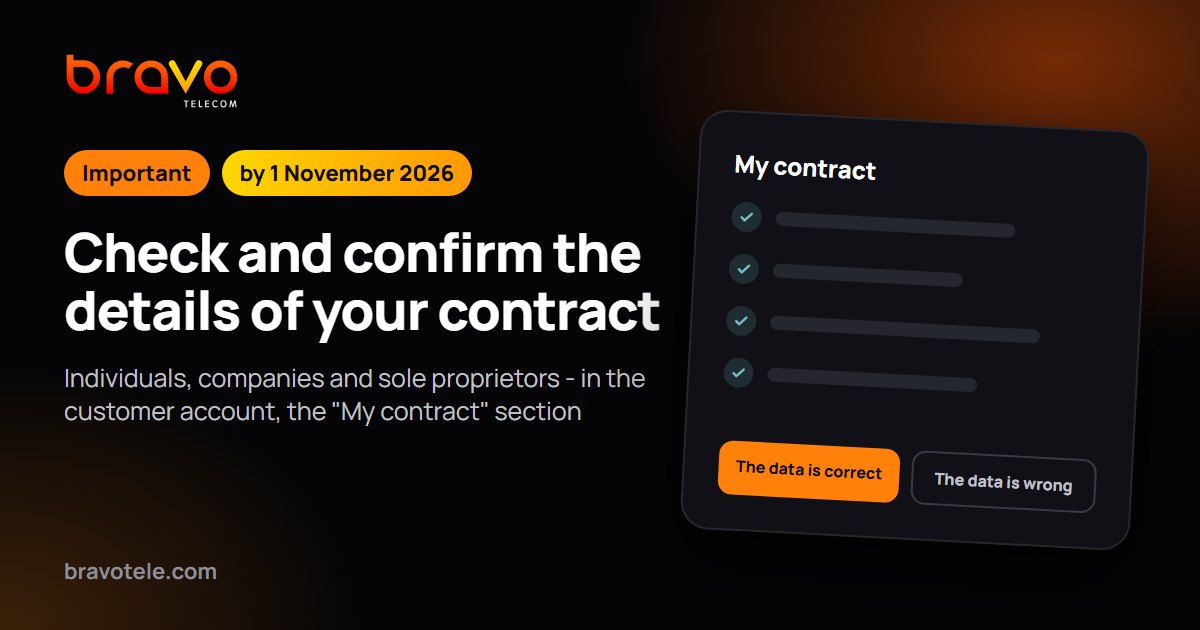
If you have not confirmed your details yet, please do it now - it takes 3-10 minutes. Instructions: 3 required steps.
This applies to everyone - individuals, companies and sole proprietors.
Why
Many contracts were signed long ago: since then phone numbers, passports, surnames and addresses have changed. We use your contract details to recognize you when you contact us, to notify you about works on the network and to help you restore access. If they contain a mistake, at the right moment we will not be able to reach you or make sure that you are you.
What to do - it takes 3-10 minutes
- 1
Open the customer account at abonent.bravotele.com. At home, on our internet, just press Without login on the login page - no username or password is needed. If a questionnaire appears, fill it in and save it: after that you will go straight to the "My contract" section.
- 2
In the "My contract" section, press "Open the contract".
- 3
Check your details: full name, passport, address, phone number, email.
- 4
Everything is correct - press The data is correct. Something is wrong - press The data is wrong and write what to correct. We will fix it and reply to you in the customer account.
If the customer account says that the contract is not ready yet, it also shows which details are missing. Send them via the "Support" section.
Until you reply, the reminder will stay on the main page of the customer account.
Companies and sole proprietors
The "My contract" section contains your contract and the Connection Application. Check the name, INN and other details, the head of the organization and the basis of their authority, the bank details, phone number and email. State-funded institutions can also find the annual contract there. Correct - The data is correct, there is a mistake - The data is wrong and describe it.
Why it is mandatory
Under the Rules for Communication Services, the subscriber is responsible for the accuracy of their details and must notify the operator of any changes within 30 days (clauses 4.2 and 7.1 of the Rules). Also: the edition of the Rules of 20.10.2026 (from 1 November 2026) is in force - it is on our new website bravotele.com in the "Documents" section, please read it.
Cannot log in or have a question
Write to us in the customer account, in the "Support" section, or in WhatsApp. Call only if you have no internet at all.
Step-by-step guide for everyone: bravotele.com/help/cabinet/
Not to miss our messages, subscribe to the email notices: bravotele.com/en/notices - notices about planned works on the network come there too. You can unsubscribe using the link in any email.
We will tell you about the new website, speed diagnostics and the features of the customer account in our next messages.
If your contract lacks details: Check the details of your contract
Questions - write to us in the customer account, in the "Support" section, or to abonent (at) bravotele.com.
We do take calls, but the line is often busy during working hours. We handle written requests in order and reply in writing - it is faster, and you keep the answer. Call 8-800-200-15-10 only if you have no internet at all and no way to write.Couldn't get through? Just write to us. It is always best to use your personal account, section "Support": there we see your connection right away and answer to the point.
All news